
The calendar says busy, but the room is empty
Unconfirmed meetings block time that another team could use.
Simple room booking for teams
Salio Rooms gives your team one calendar for every room. See availability, reserve a time and review calendar occupancy without asking several people.

A familiar problem
Spreadsheets, chat messages and calendars often show different versions of the truth. Salio Rooms gives the team one operational room calendar.
Unconfirmed meetings block time that another team could use.
The team can check availability and reserve a room without asking several people for confirmation.
Basic reports show calendar occupancy and booking activity. Physical attendance requires check-in data.
One shared view
How it works
You do not need a large rollout. Configure a few rooms first and expand the account after the process is working.
Set capacity, equipment, locations and booking rules.
Add users or send a secure company join link.
The team uses one calendar while Salio Rooms handles conflicts and recurring meetings.
See the product
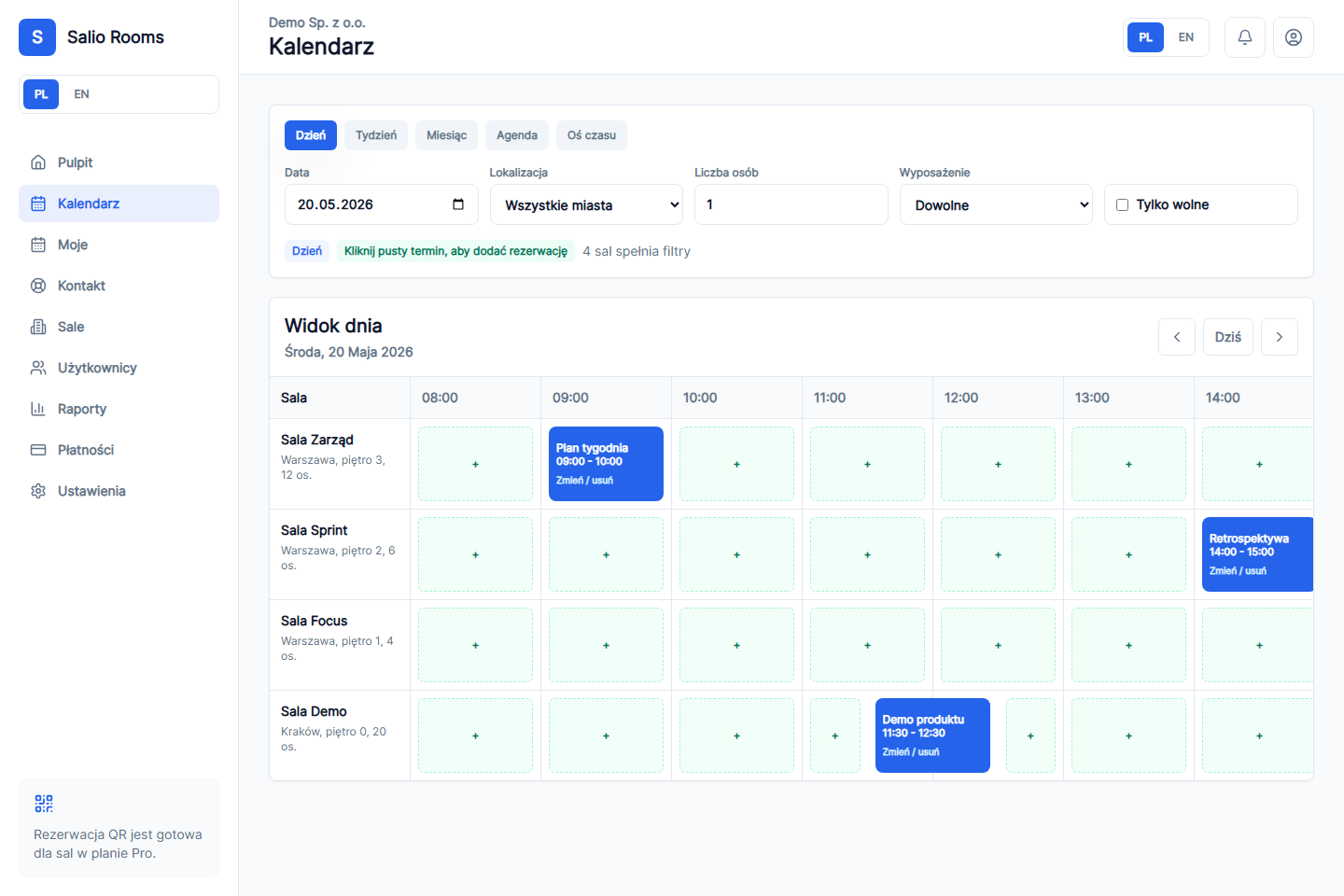
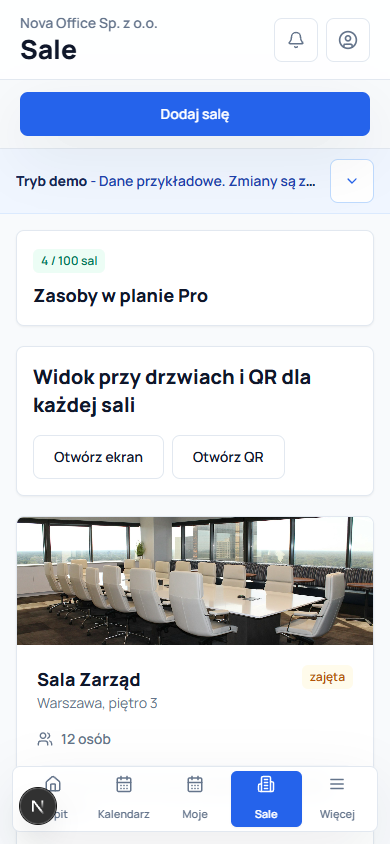
Calendar, rooms, users and reports create one clear workflow on desktop and mobile.
Check booked and open times for every room in one view before choosing a meeting slot.
Salio checks for a booking conflict in the same room before saving a reservation.
A team member with access chooses a room and time without asking an administrator to add it manually.
See booking counts, reserved time and calendar occupancy without treating them as physical attendance.
Pricing
Free validates the process, Plus supports a larger team, and Pro also includes beta features that are shown separately from features available immediately.
0 PLN
to start, no card
5 users
2 rooms
Basic room calendar
Manual bookings
Room management
80 PLN
per month, excl. VAT
30 users
20 rooms
Everything in Free
Email invitations (beta)
.ics files
Recurring bookings and basic reports
149 PLN
per month, excl. VAT
100 users
100 rooms
Everything in Plus
QR, check-in and room-door display (beta)
Advanced reports (beta)
Google Calendar and Microsoft 365 after setup (beta)
Monthly billing. No fixed-term contract. You can change or cancel your plan.
Feature status
.ics files, rooms, users and reports are separated from Google and Microsoft integrations that require provider configuration in Pro.
See product statusRoom calendar · Manual bookings · Room management · .ics files · Recurring bookings · Basic reports
Email invitations · Room-door QR · Room-door display · Advanced reports · Google Calendar and Microsoft 365
Provider integrations are shown separately from features that work immediately.
FAQ
Yes. You can open the interactive product demo and decide later whether to create a company account.
No. Direct Google Calendar and Microsoft 365 integrations are beta features in Pro and require provider OAuth configuration. The .ics option is available without OAuth.
Yes, if the owner grants the full-access collaborator role. Standard collaborators keep a limited workspace view.
Yes. Paid plans are billed monthly, and subscription changes or cancellation are handled in the secure Stripe customer portal.
Add the first room and test Salio Rooms with your team. No card and no long rollout.
With your consent, Salio Rooms uses Google Analytics 4 and its own statistics to measure page views and clicks. We do not add form content, email addresses or phone numbers to analytics events. See the cookie policy for identifier details. Details